Table of contents
Open Table of contents
文章开始前
每一篇文章开始前要包含一下的开头,他是文章的基本信息。其中modDatetime是可以不用写的。
---
author: XJJ
pubDatetime: 2026-01-29T12:35:35Z
modDatetime: 2026-01-29T15:00:15.170Z
title: Markdown教程
slug: teaching
featured: true
draft: false
tags:
  - 学习
  - 教程
description:
  一个教我自己学md的一篇文章
ogImage: ../../assets/images/forrest-gump-quote.png
---data/blog/newpost.md我这篇教程没加上slug和ogImage参数。
发布文章前的路径选择:
# Example: 文章的本地路径到URL路径的变化
src/data/blog/very-first-post.md          -> mysite.com/posts/very-first-post
src/data/blog/2025/example-post.md        -> mysite.com/posts/2025/example-post
src/data/blog/_2026/another-post.md       -> mysite.com/posts/another-post
src/data/blog/docs/_legacy/how-to.md      -> mysite.com/posts/docs/how-to
src/data/blog/Example Dir/Dummy Post.md   -> mysite.com/posts/example-dir/dummy-post
Markdown 基础语法
Markdown(简称 MD)是一种轻量级标记语言,用极少的符号写出结构清晰、可读性很强的文档。废话不多说了 从代码的34-324行的教程来自GPT。前情提要:并不一定包含所有的md语法!
1. 标题
代码
# 一级标题
## 二级标题
### 三级标题
#### 四级标题
效果
一级标题
二级标题
三级标题
四级标题
2. 段落与换行
代码
这是第一段。

这是第二段。

这是同一段里的第一行
这是同一段里的第二行(行末加两个空格)
效果
这是第一段。
这是第二段。
这是同一段里的第一行
这是同一段里的第二行(行末加两个空格)
3. 加粗、斜体、删除线
代码
**加粗**
*斜体*
***加粗并斜体***
~~删除线~~
效果
加粗
斜体
加粗并斜体
删除线
4. 引用(Quote)
代码
> “在我的后园,可以看见墙外有两株树,一株是枣树,还有一株也是枣树。” --鲁迅
> 可以多行
效果
“在我的后园,可以看见墙外有两株树,一株是枣树,还有一株也是枣树。” —鲁迅 可以多行
5. 列表
5.1 无序列表
代码
- 苹果
- 香蕉
  - 小香蕉
  - 美洲香蕉
- 橘子
效果
- 苹果
- 香蕉
- 小香蕉
- 美洲香蕉
- 橘子
5.2 有序列表
代码
1. 第一步
2. 第二步
3. 第三步
效果
- 第一步
- 第二步
- 第三步
6. 任务列表(Todo)
代码
- [x] 已完成
- [ ] 未完成
效果
- 已完成
- 未完成
7. 链接与图片
7.1 链接
代码
[访问 GitHub](https://github.com)效果
7.2 图片
代码
效果

8. 行内代码与代码块
8.1 行内代码
代码
使用 `npm run dev` 启动开发服务器。效果
使用 npm run dev 启动开发服务器。
8.2 代码块(带语言高亮)
代码
```js
console.log("Hello Markdown!");
```
效果
console.log("Hello Markdown!");9. 表格(Table)
代码
| 名称 | 类型 | 备注 |
| --- | --- | --- |
| Astro | 框架 | 静态站点 |
| Markdown | 语法 | 写文章 |
效果
| 名称 | 类型 | 备注 |
|---|---|---|
| Astro | 框架 | 静态站点 |
| Markdown | 语法 | 写文章 |
10. 分割线(Horizontal Rule)
代码
---效果
11. 折叠内容(部分平台支持)
代码
<details>
<summary>点我展开</summary>

这里是折叠内容。

- 可以写列表
- 可以写 **Markdown**
</details>
效果
点我展开
这里是折叠内容。
- 可以写列表
- 可以写 Markdown
12. 转义字符(显示符号本身)
代码
\# 这不是标题
\* 这不是斜体
效果
# 这不是标题 * 这不是斜体
常见小提示
#后要加一个空格- 子列表需要缩进(2~4 个空格)
- 换行可用「行末两个空格」
- 表格的对齐由
| --- |决定
那么上述就是最基础的md语法,下面将会是进阶玩法
教程主要来自astropaper的文章
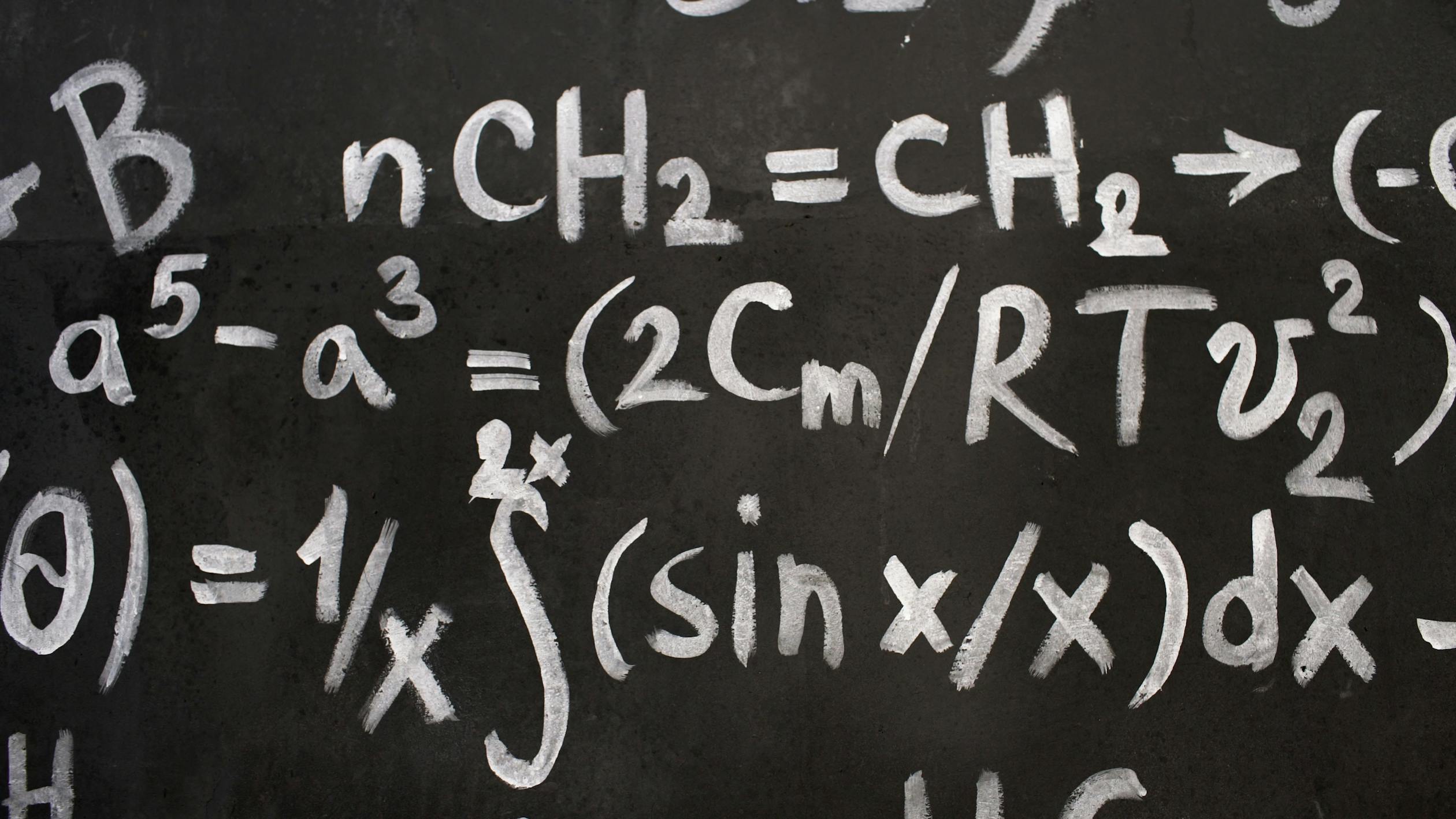
引用图片,标出处
代码
<figure>
  <img
    src="https://images.pexels.com/photos/22690748/pexels-photo-22690748/free-photo-of-close-up-of-complicated-equations-written-on-a-blackboard.jpeg?auto=compress&cs=tinysrgb&w=1260&h=750&dpr=2"
    alt="Free Close-up of complex equations on a chalkboard, showcasing chemistry and math symbols. Stock Photo"
  />
  <figcaption class="text-center">
    Photo by <a href="https://www.pexels.com/photo/close-up-of-complicated-equations-written-on-a-blackboard-22690748/">Vitaly Gariev</a>
  </figcaption>
</figure>
效果
在代码段里添加强调
代码1
```ts file="src/content.config.ts"
export const blogSchema = z.object({
  // ...
  draft: z.boolean().optional(),
  tags: z.array(z.string()).default(["others"]), // replace "others" with whatever you want
  // ...
});
```
效果一
export const blogSchema = z.object({
  // ...
  draft: z.boolean().optional(),
  tags: z.array(z.string()).default(["others"]), // replace "others" with whatever you want
  // ...
});src/content.config.ts
代码2
```md
---
# frontmatter
---

Here are some recommendations, tips & ticks for creating new posts in AstroPaper blog theme.

## Table of contents

<!-- the rest of the post -->
```
效果2
---
# frontmatter
---

Here are some recommendations, tips & ticks for creating new posts in AstroPaper blog theme.

## Table of contents

<!-- the rest of the post -->
效果3
```js file="astro.config.ts"
// ...
import {
  transformerNotationDiff,
  transformerNotationHighlight,
  transformerNotationWordHighlight,
} from "@shikijs/transformers";

export default defineConfig({
  // ...
  markdown: {
    remarkPlugins: [remarkToc, [remarkCollapse, { test: "Table of contents" }]],
    shikiConfig: {
      // For more themes, visit https://shiki.style/themes
      themes: { light: "min-light", dark: "night-owl" },
      defaultColor: false,
      wrap: false,
      transformers: [
        transformerFileName(),
        transformerNotationHighlight(),
        transformerNotationWordHighlight(),
        transformerNotationDiff({ matchAlgorithm: "v3" }),
      ],
    },
  },
  // ...
}
```
其中的 [!code --:n] 的n就是强调下面多少行的数。
效果3
// ...
import {
  transformerNotationDiff,
  transformerNotationHighlight,
  transformerNotationWordHighlight,
} from "@shikijs/transformers";

export default defineConfig({
  // ...
  markdown: {
    remarkPlugins: [remarkToc, [remarkCollapse, { test: "Table of contents" }]],
    shikiConfig: {
      // For more themes, visit https://shiki.style/themes
      themes: { light: "min-light", dark: "night-owl" },
      defaultColor: false,
      wrap: false,
      transformers: [
        transformerFileName(),
        transformerNotationHighlight(),
        transformerNotationWordHighlight(),
        transformerNotationDiff({ matchAlgorithm: "v3" }),
      ],
    },
  },
  // ...
}astro.config.ts
结语
还会有更多的md语法等着我探索,在这里感谢 satnaing 的仓库。